 trada

The Trada casino sign up is a short online form: enter your personal details, create login credentials, confirm your email or phone and make a first deposit. This page walks through each step, the checks UK players should expect and how to set safer-play limits from day one.
Contents
Registration steps
Opening an account takes a few minutes if your details are to hand. Use the steps below in order and you will end up with a funded, ready-to-use account.
- 1Open the casino's site and press the sign-up or register button, usually at the top of the page.
- 2Fill in the form with your real name, date of birth, home address, email address and mobile number. Everything must match your ID.
- 3Choose a username if asked and a strong, unique password that you do not use anywhere else.
- 4Tick the boxes confirming you are 18 or over and accept the terms and privacy policy. Read the terms rather than clicking through.
- 5Confirm your email address or phone number using the link or code you receive.
- 6Log in, open the cashier and make your first deposit with a payment method registered in your own name. Check the offer terms before you pay if you want a welcome bonus.
Once you are registered, the login page explains how to get back into your account on later visits.
Who can register
Age and residency
Online gambling in Great Britain is for adults aged 18 or over, and operators serving UK players are required to check this. You should also be living in the UK and be able to prove your address.
One account per person
Casinos allow a single account per player. Duplicate accounts, or accounts opened with someone else's details, are a common reason for closures and withheld funds, so always register in your own name.
If you have signed up to GamStop, UK-licensed sites will not let you open an account. Trying to get around it with different details breaks the terms and defeats the purpose of the scheme.
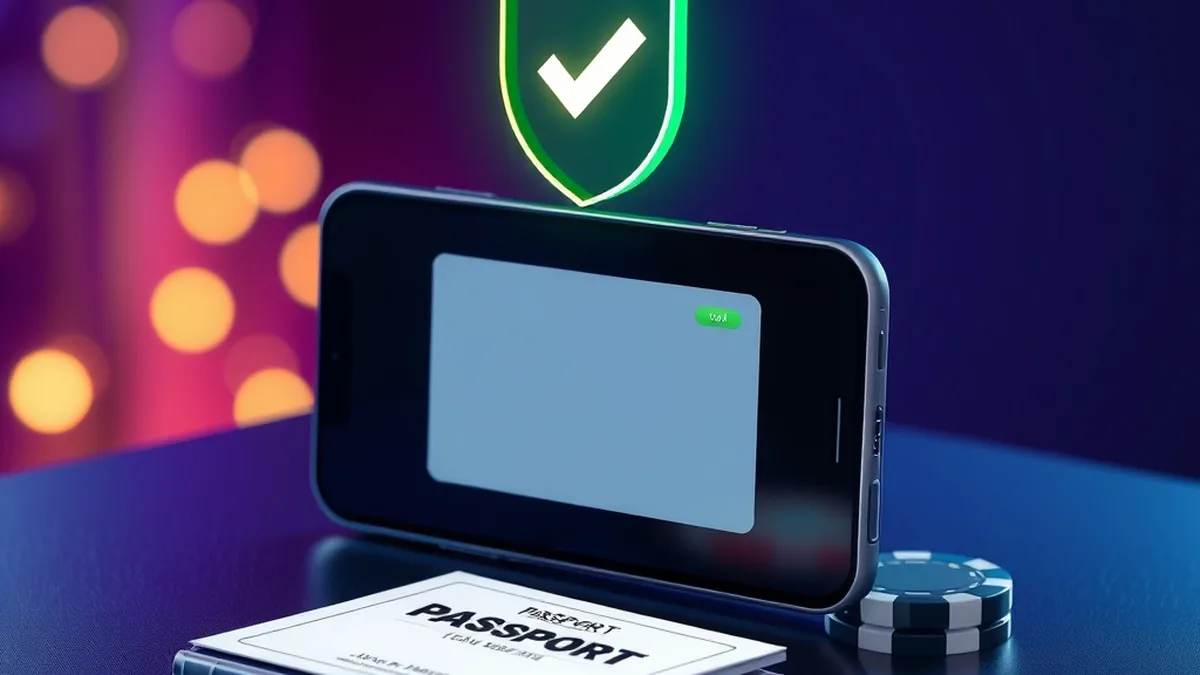
Account verification and KYC
Which documents are typically requested
Verification, often called KYC, confirms that you are who you say you are. The exact list depends on the casino's own rules, but UK sites commonly ask for:
- Photo ID such as a passport or driving licence
- Proof of address, for example a recent utility bill or bank statement
- Proof of the payment method, such as a card photo with middle digits hidden
When the checks happen
Some checks run automatically in the background at registration. Others are triggered later, often before your first cashout. Sending clear, uncropped scans early avoids delays, and the withdrawal guide covers how payouts and payment methods fit in.
Claiming the sign up offer
New players are often offered a welcome package. The amounts, wagering and eligible games are laid out on the bonus page, and the spins side of it is explained in the free spins guide.
Decide before depositing whether you want the offer at all. Bonus funds usually come with playthrough conditions and limits on stakes, and accepting one can change how soon you can cash out.
Setting deposit limits
The best moment to set limits is straight after registering, before any money goes in. Regulated UK casinos provide tools in the account or cashier area, and you can usually lower a limit instantly while raising one takes a cooling-off period.
| Tool | What it does |
|---|---|
| Deposit limit | Caps how much you can add per day, week or month |
| Loss limit | Stops play once you have lost a set amount |
| Time-out | Pauses your account for a short, chosen period |
| Self-exclusion | Closes access for a longer period you select |
Pick a figure from your entertainment budget, not from savings or bill money.
Signing up on mobile
The form works the same in a phone browser as on desktop, with the same fields and checks. Taking photos of your ID with your phone camera can actually make the document upload quicker. Use a secure connection rather than public Wi-Fi when entering personal details.
Common registration problems
Details that do not match
Typos in your name or address, or a nickname instead of your legal name, are the most frequent cause of failed checks. If a Trada casino register attempt is rejected, compare each field with your ID and try again.
Missing codes and blocked emails
If the confirmation message does not arrive, check your spam folder, make sure the email address has no typo and wait a few minutes before requesting another. Contact live chat if it still fails.
Upload clear ID straight away. Waiting until you want to withdraw is when it slows you down.
Before paying anything, it is also sensible to read our look at licence and safety so you know what to check on any site you join.
FAQ
How do I register at Trada Casino?
Press the sign-up button, complete the form with your genuine details, confirm your email or phone, then log in and deposit. Keep your ID nearby, because the casino may ask to see it as part of its checks.
Do I need to verify my account?
Yes, UK-licensed casinos must confirm identity, age and address. Checks may be automatic or involve uploading documents, and they commonly come before your first withdrawal if not earlier.
How long does sign up take?
The form itself usually takes only a few minutes. Document checks depend on how clear your uploads are and how busy the verification team is, so they can take longer.
Can I open a second account if I forget my password?
No. Use the password reset option instead, or contact support. Opening another account breaks the one-account rule and can lead to closure and frozen balances.
18+ | Gambling can be addictive. Play responsibly. Get help
Independent help and the regulator: UK Gambling Commission · GamCare · BeGambleAware · GAMSTOP · Gambling Therapy